Join an event
1) Log in
Click the participant link for the event or scan its QR code to log in.
There are 2 ways to log in:
- Login with a PIN
- Login without a PIN (default)
Login with a PIN
When you open the link as a participant, you see the PIN code entry screen. After you enter the PIN code, you move on to the registration screen.
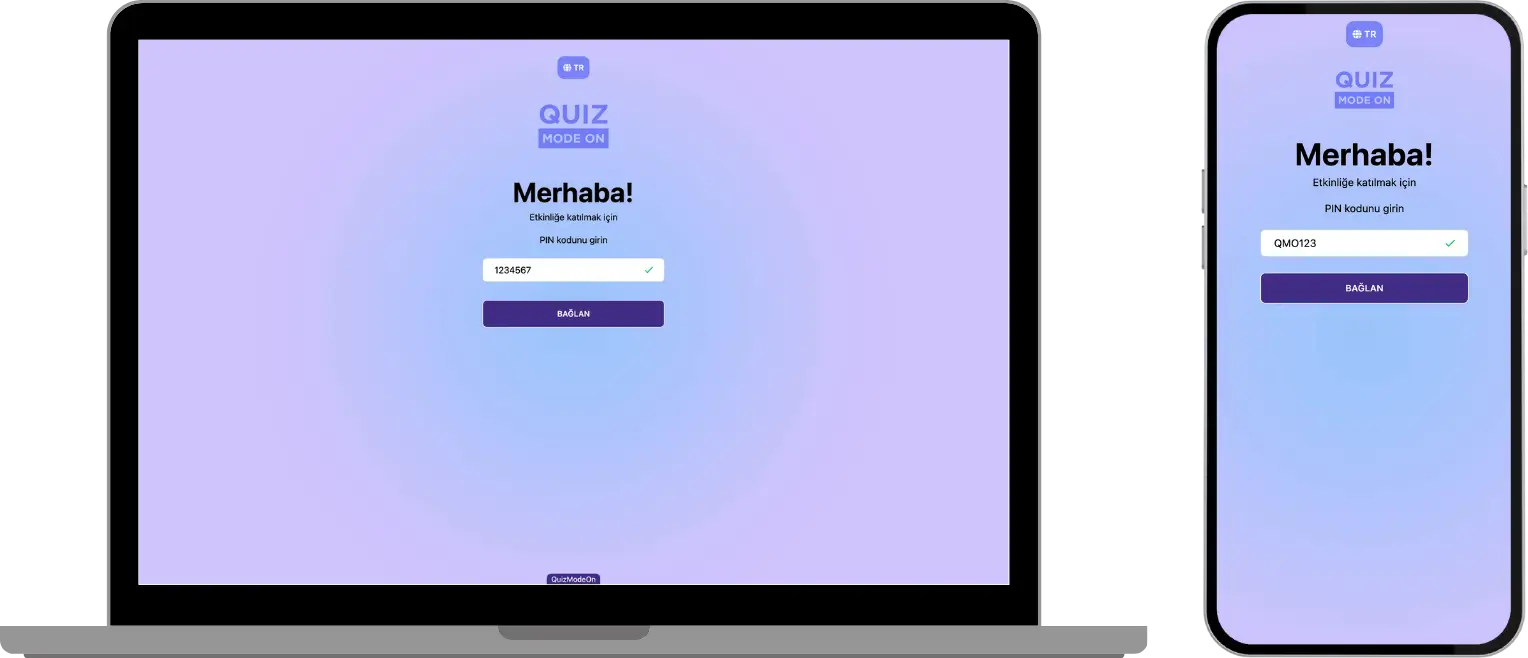
participant - login screen - login with a PIN
Login without a PIN
When you open the link as a participant, you go straight to the registration screen. You do not see the PIN entry screen.
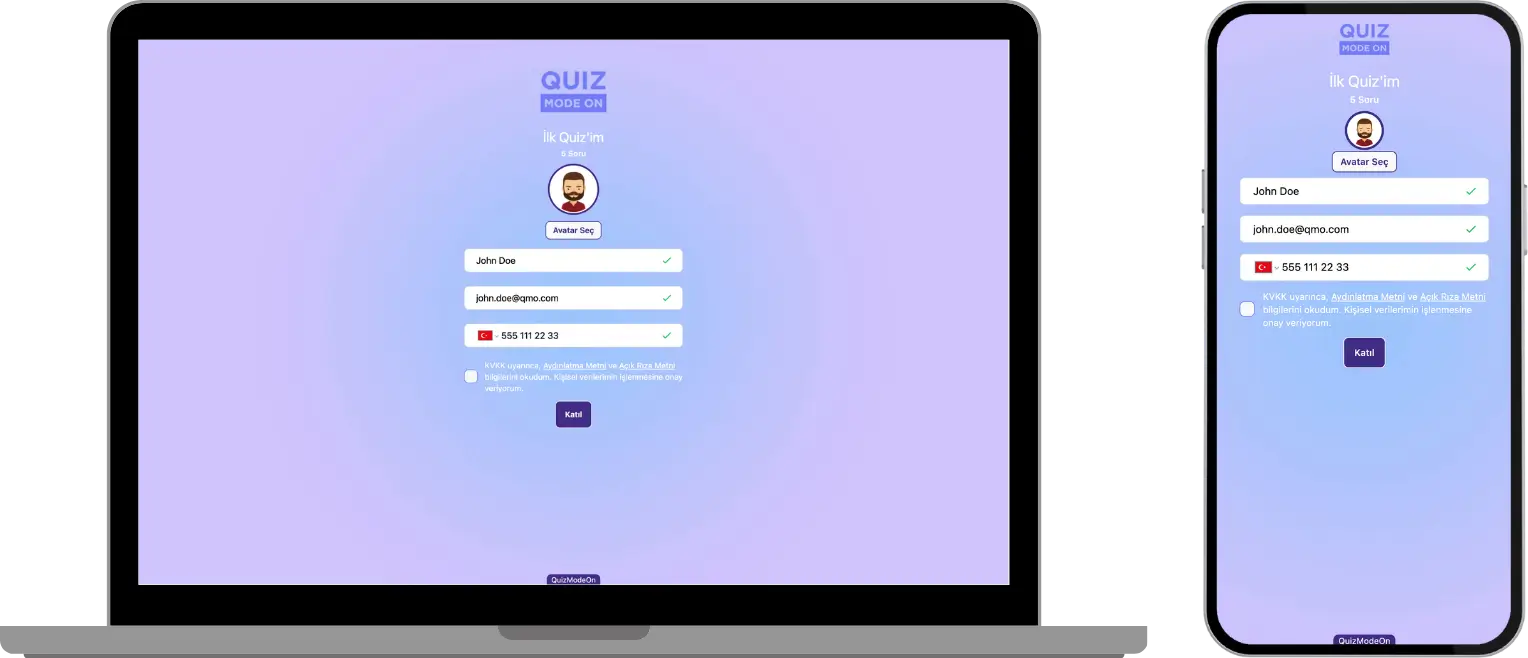
participant - registration screen - login without a PIN
How do I get the login link or QR code?
The participant link and QR code can be shared by the admin, presenter or moderator.
- In live events, the QR code and link are shown on the presenter screen.
- 24/7 events have no presenter page, so the QR code and link are shared through another channel (email, WhatsApp group, printed brochure, etc.).
2) Fill in your participant details
After you log in, the registration screen opens, where you enter your participant details.
The registration screen may ask for your avatar, name surname, email, phone and ID. These details are set by the person who created the event (the admin).
After you fill in the requested details and accept the GDPR option, you are taken to the lobby / waiting screen to join the event.
Note: To complete registration, you must fill in all the fields shown on the screen.
3) Join the event and wait in the lobby
After you register, a lobby screen opens where you can wait before the event starts.
Note: While you wait in the lobby, you can click the fun emojis to share your feelings with other participants.
4) Start the event
The flow screens vary by event type. For more details about the flow screens, see the Event Flow category.
Events start according to their flow setting.
- If the event flow is Live, wait for the presenter or moderator to start the event.
- If the event flow is 24/7, you can start the event right away without waiting for other participants.
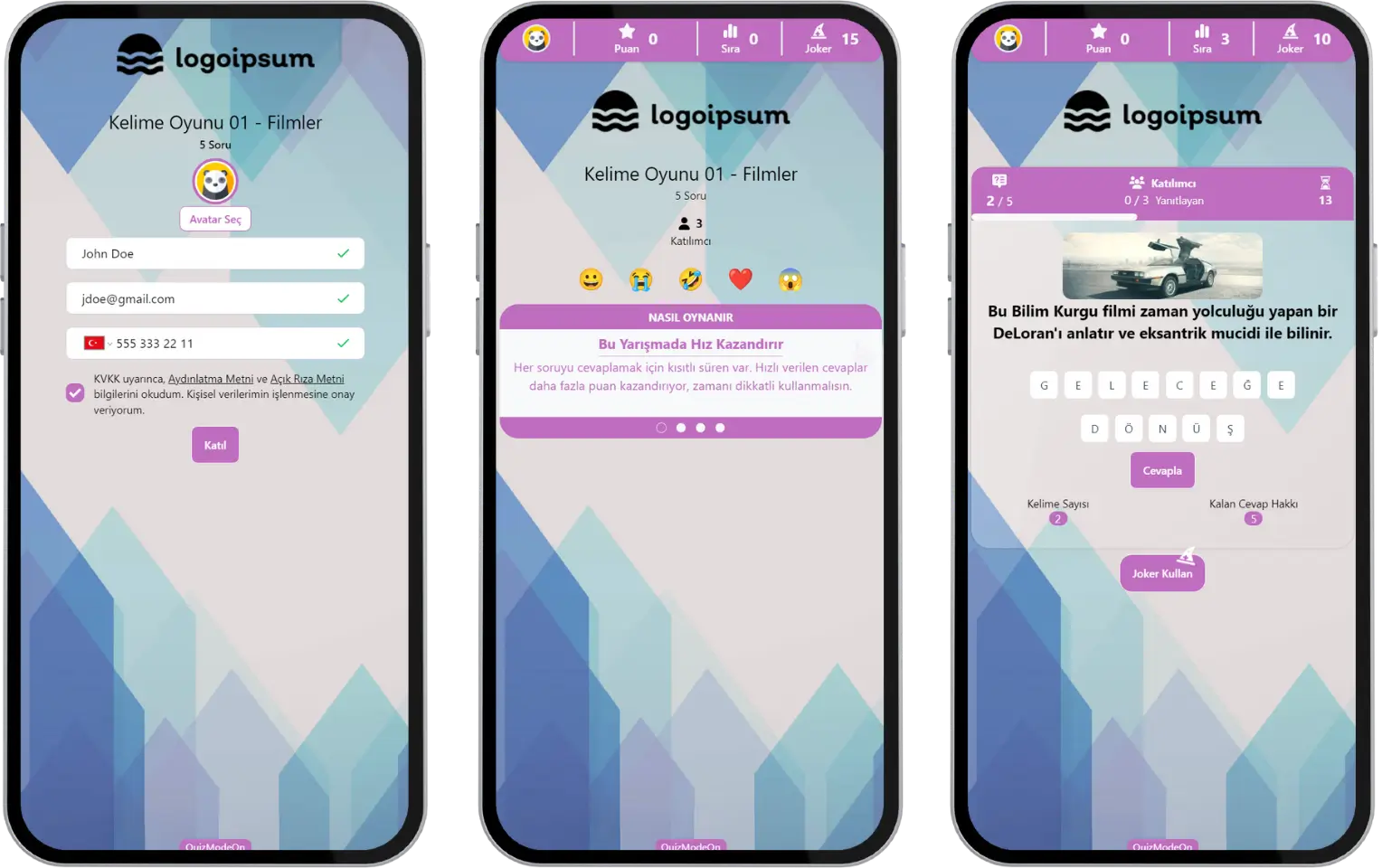
participant - flow screens - registration, lobby and game