True or False - Flow screens
Questions and Answers
On this screen, where you see the current question along with its answer options, you may come across several kinds of questions. The answers always consist of 2 options: true and false.
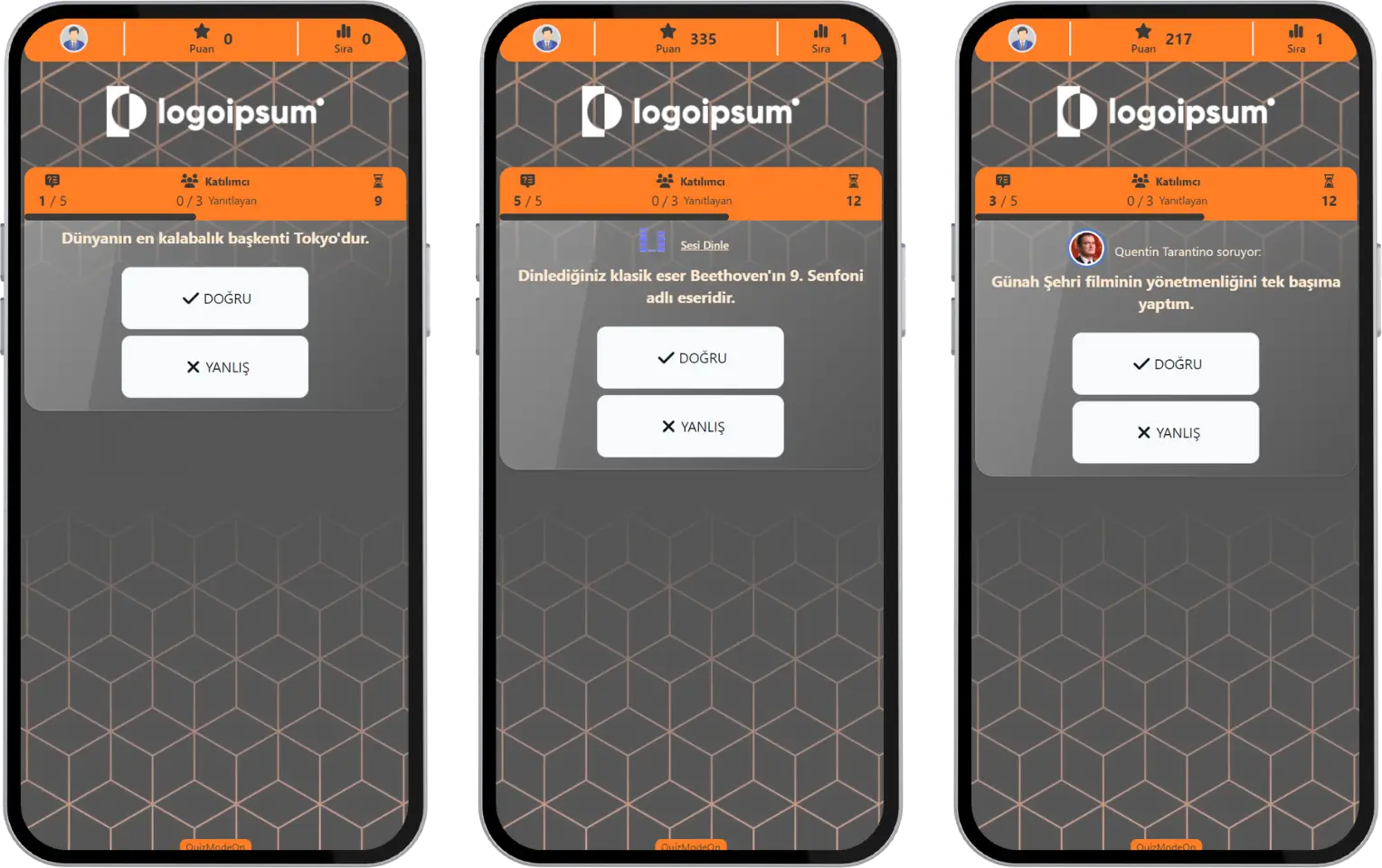
participant - event flow (true or false) - answering a question
Instant Results
When the answering time ends, you see a result screen based on the answer you gave. If your answer is correct, you earn points. Before moving on to the next question, the answer rates for the question are shown on the screen for a short time. Then the instant standings table with the high scorers is shown.
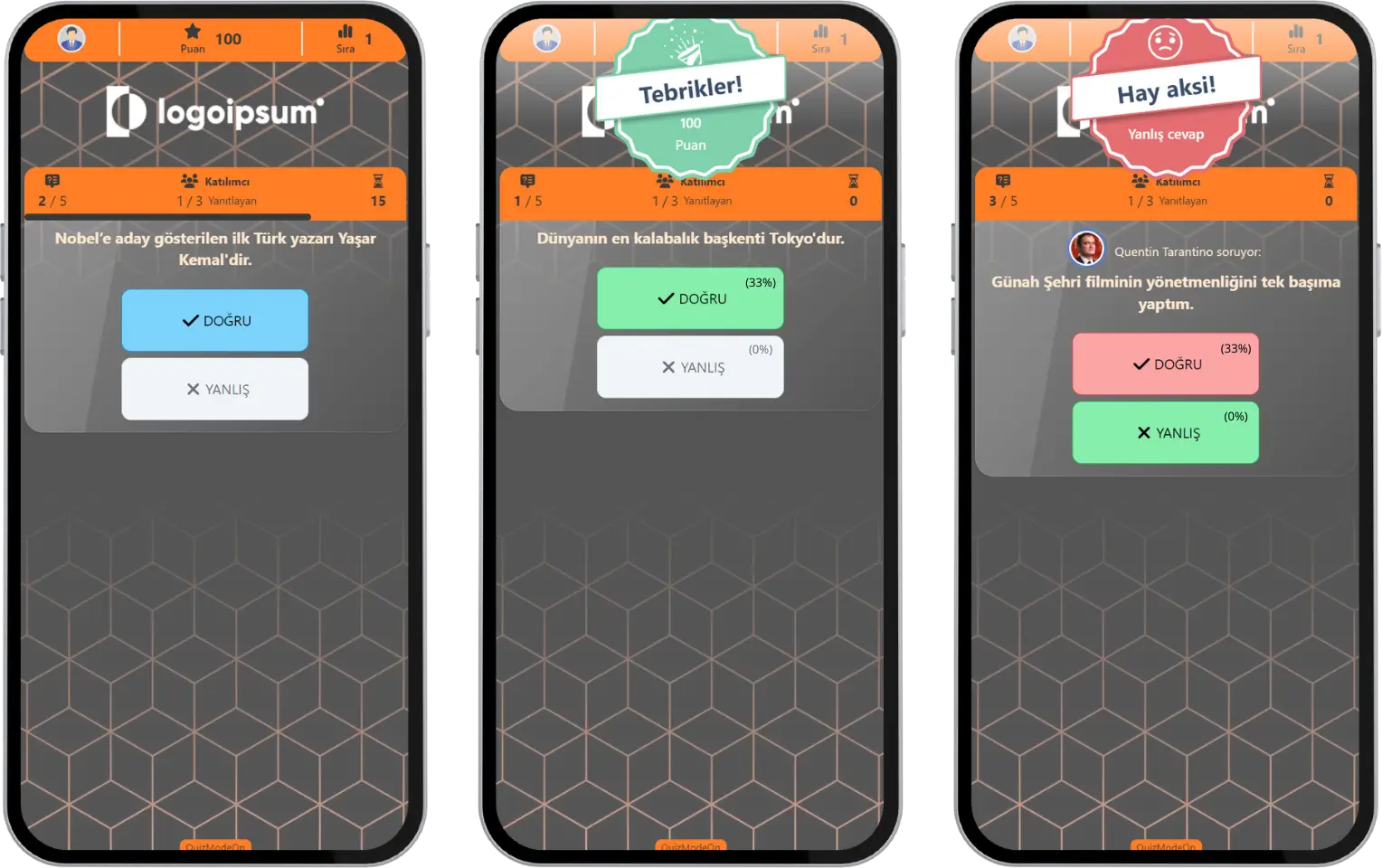
participant - event flow (true or false) - instant results
Note #1: Before moving on to the next question, the presenter / moderator screen can also show the instant top 10 participants. To raise the excitement and heat up the competition in the event, the moderator can click the See More button to show the top 10 participants with the highest scores at that moment.
Note #2: If the event flow is set to live, the current standings table and the participants’ answer rates are shown on the screen after each question. If the event flow is set to 24/7, the next question comes right after the question time ends.
Current Standings and High Scores
After each question, the current standings of the participants with the highest scores are shown instantly. At the end of the event, the top 3 participants with the highest scores are shown on the screen. Click the See More button to see the top 10 participants with the highest scores.
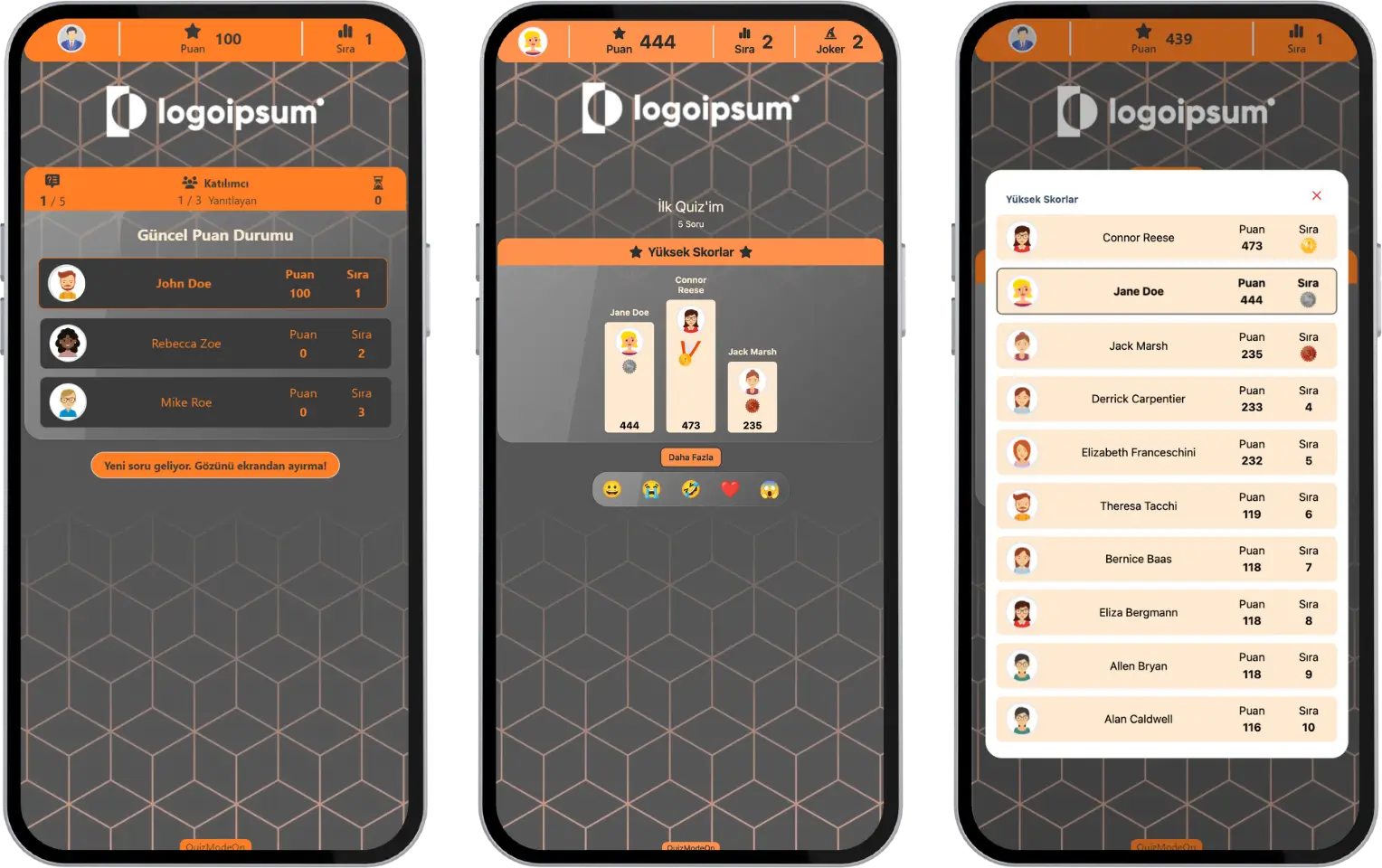
participant - event flow (true or false) - standings - high scores table
Note #1: The person who created the event (the admin or moderator) may have hidden some areas of the app interface. If elements such as the high scores table shown between questions, the final scores table shown at the end of the event and the names of the scorers are hidden, they will not appear on participant screens.
Note #2: In live events, if you try to register after the event has started, you may see the warning “You can’t enter right now because this event has already started.” If the person who created the event (the admin or moderator) turned on the option to join after the event starts, you can join before the event ends.