Results and final screen
When the event ends, the final screens vary by event type and flow format.
High Scores
In game-based events with competition dynamics such as collecting points, the end screen shows the high scores, the winners or the winning teams.
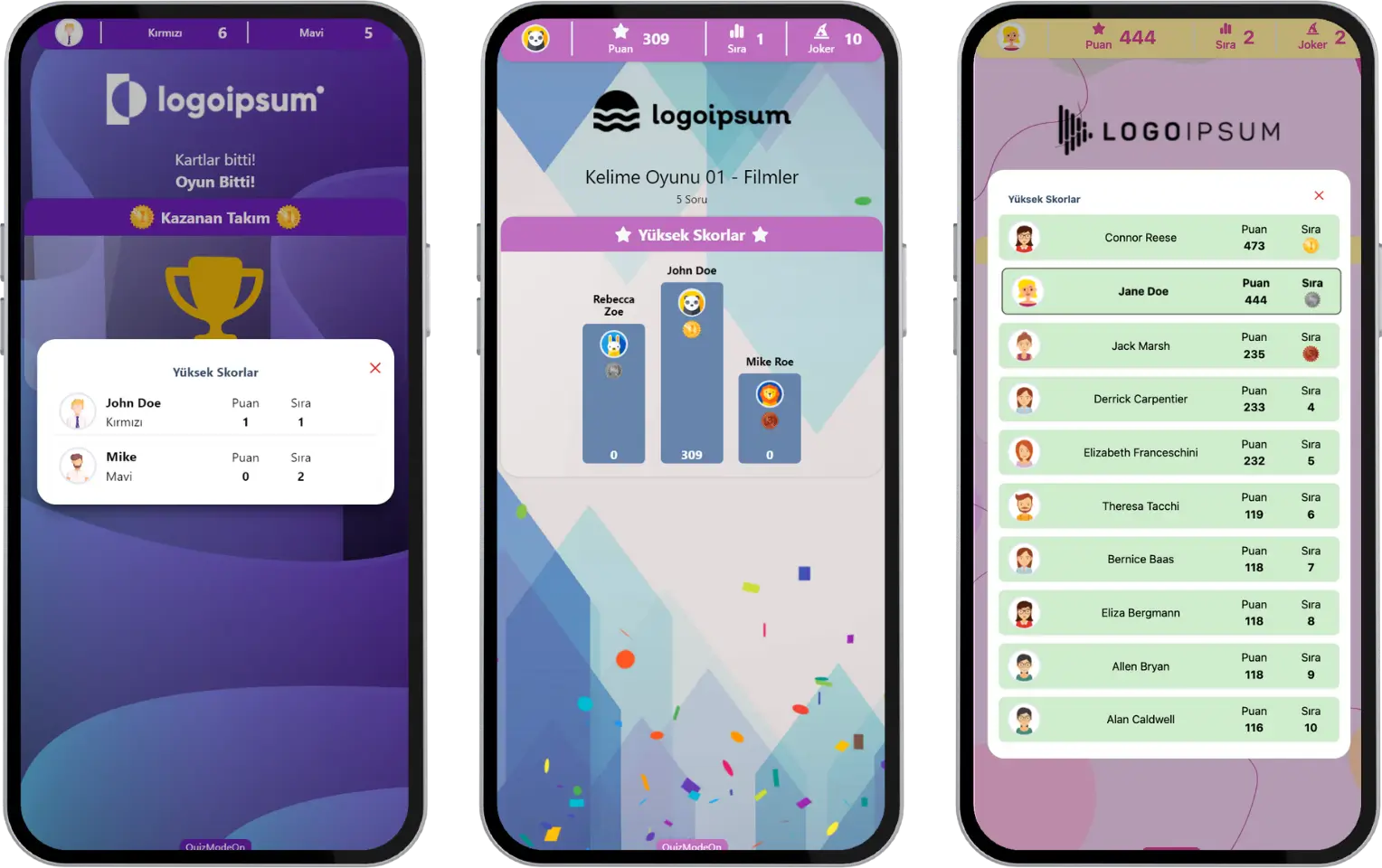
participant - end of event - result screen (quiz-themed events) - high scores
In events where everyone competes on their own, such as Quiz, True or False, Guess What, Emoji Quiz, Mixed Quiz and Wordle, the top 3 participants with the highest scores are shown, and the details show 10 participants.
In team games such as Taboo and Draw It, the Winner Team is shown.
Note: With our Team Mode feature, participants can join events such as Quiz in teams. In that case, both individual scores and team scores appear on the final screen.
Winners Table
In games of chance and Lucky Pick-themed events, the end screen shows the winners or the prizes that were won.
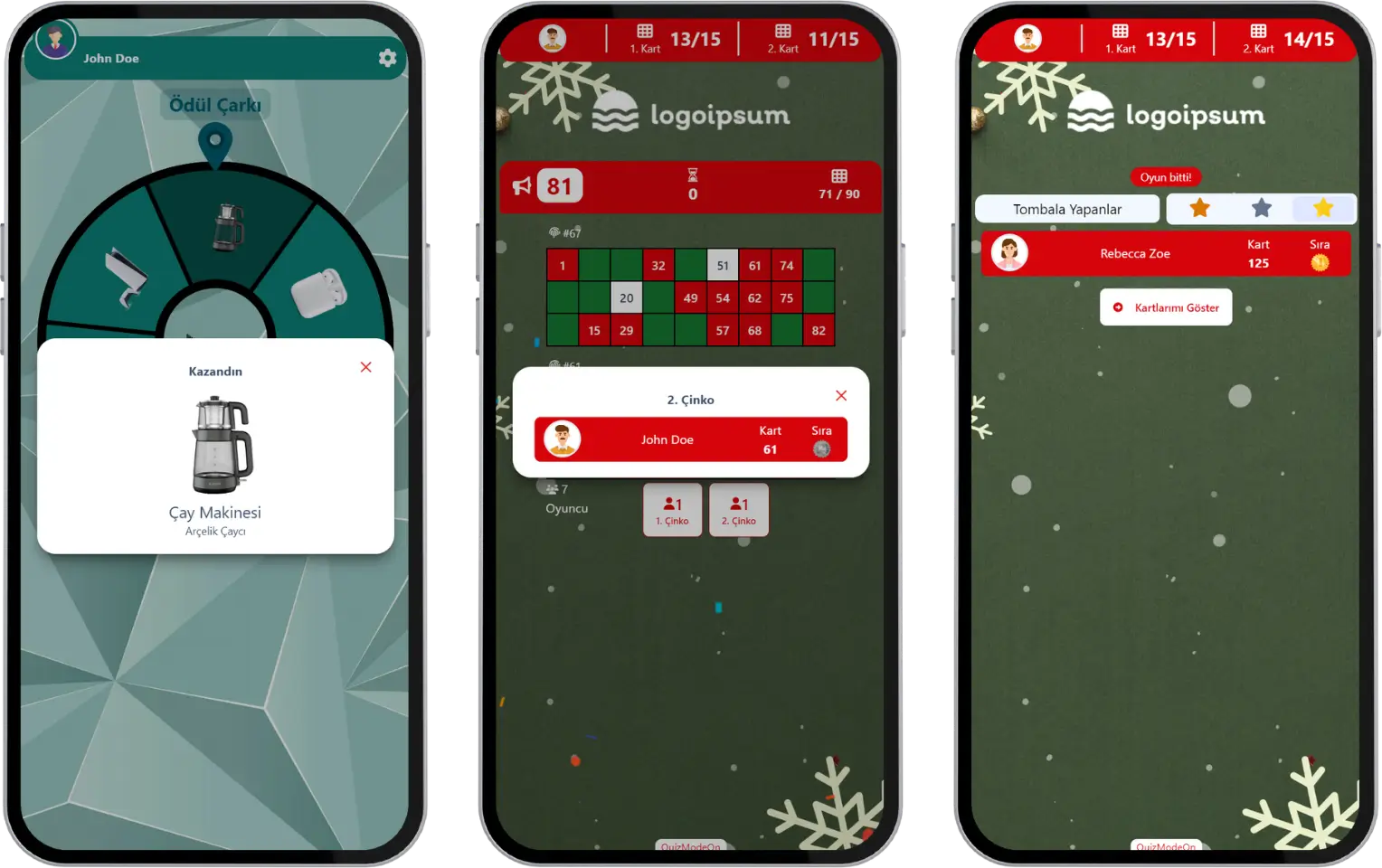
participant - end of event - result screen (chance-themed events) - winners
In Tombola, the participants who win the 1st cinquina, the 2nd cinquina and the Tombola prizes are shown.
In Prize Wheel, the prize the participant won, or a message that they did not win a prize, is shown.
Thank-You Message
In events with information-gathering dynamics such as sharing ideas, brainstorming, collecting opinions and evaluations, the end screen shows a thank-you message for participating.
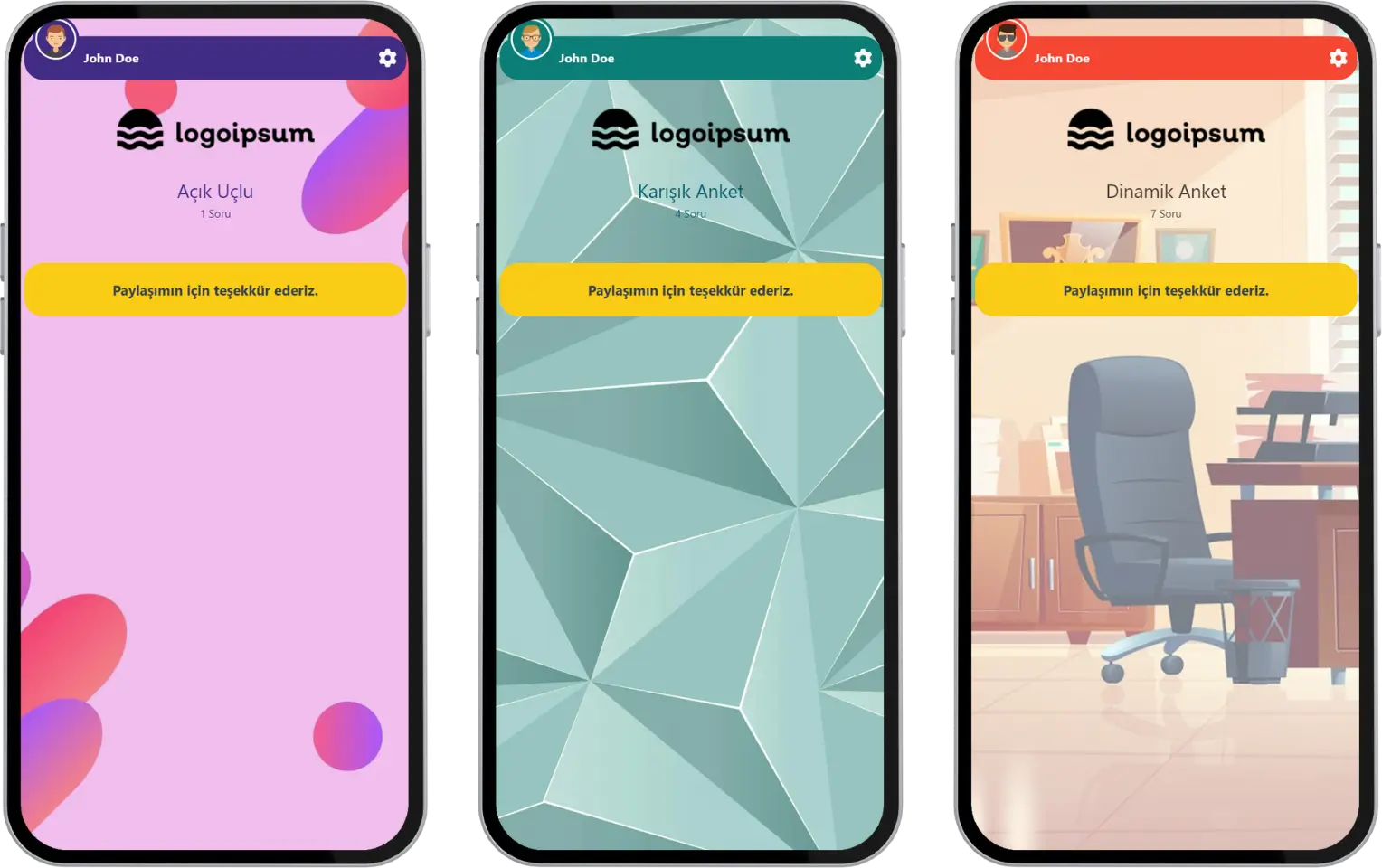
participant - end of event - result screen (poll-themed events) - thank you
At the end of Poll, Open-Ended, Rating, Mixed Survey, Word Cloud, Q&A, Dynamic Poll and Spin Wheel events, participants see a short message.