Sign up for the portal
An admin (member) is an authorized user who signs up for the portal through the QuizModeOn Portal and creates an account to create events.
Sign up
You need a name surname, an email and a password to create a membership. Users can create a free membership account with a personal or corporate email address. Users can also sign up with their Google, LinkedIn, Microsoft or Facebook accounts.
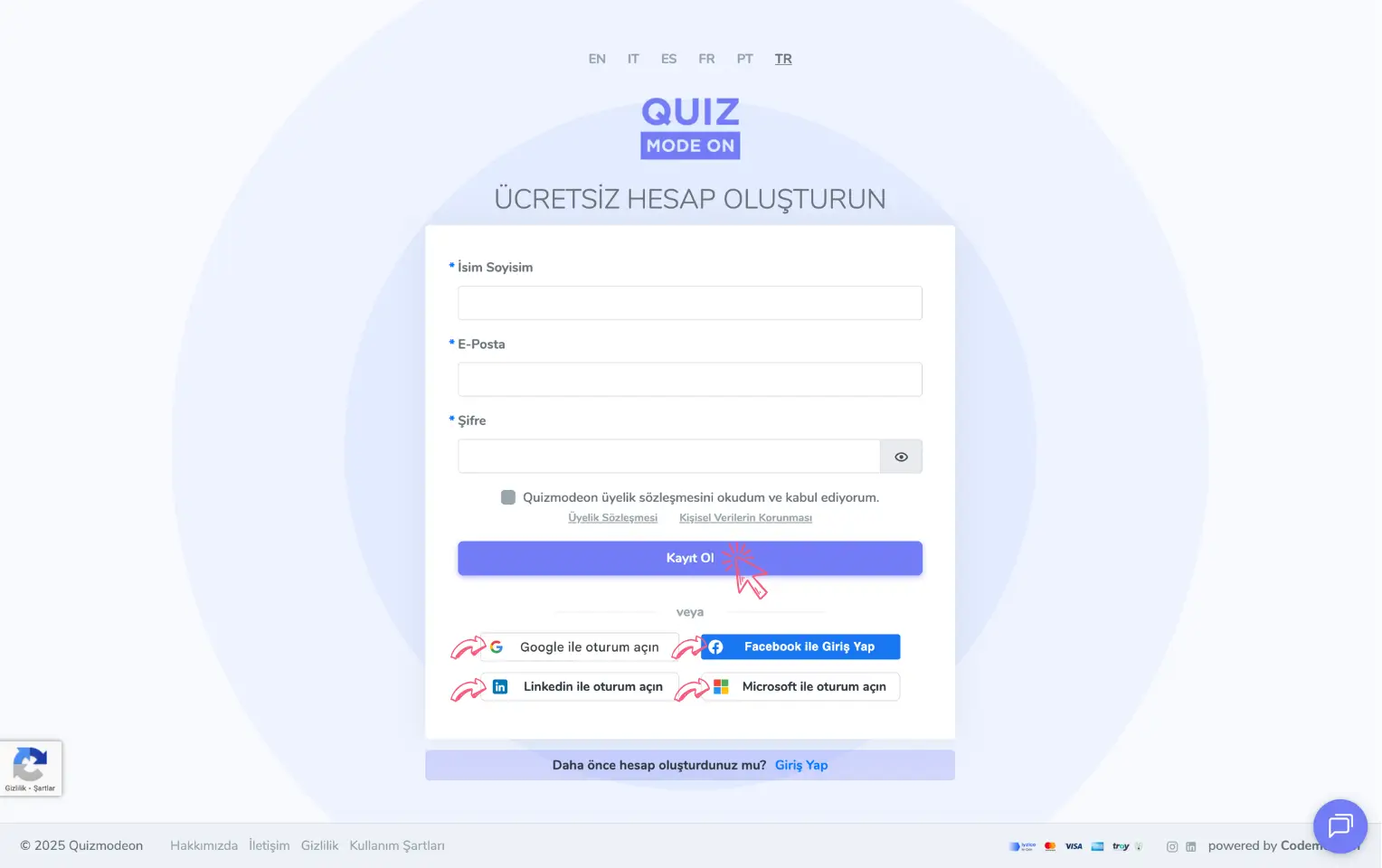
admin member - portal - creating a new membership account
Member profiles
Members can be users with different goals and personas. Examples of member profiles:
-
General user: Someone who organizes an event for friends, family or their circle
-
Brand representative: Someone who organizes internal communication events for employees, training and promotion activities for candidates, or marketing communication events for business partners or customers
-
Agency representative: Someone who plans an event for their brand
What can an admin / member do?
A user who signs up for the portal has the admin role. A user with the admin (member) role can perform 3 key actions.
- Create events and games
- Manage events and games
- View reports and review data
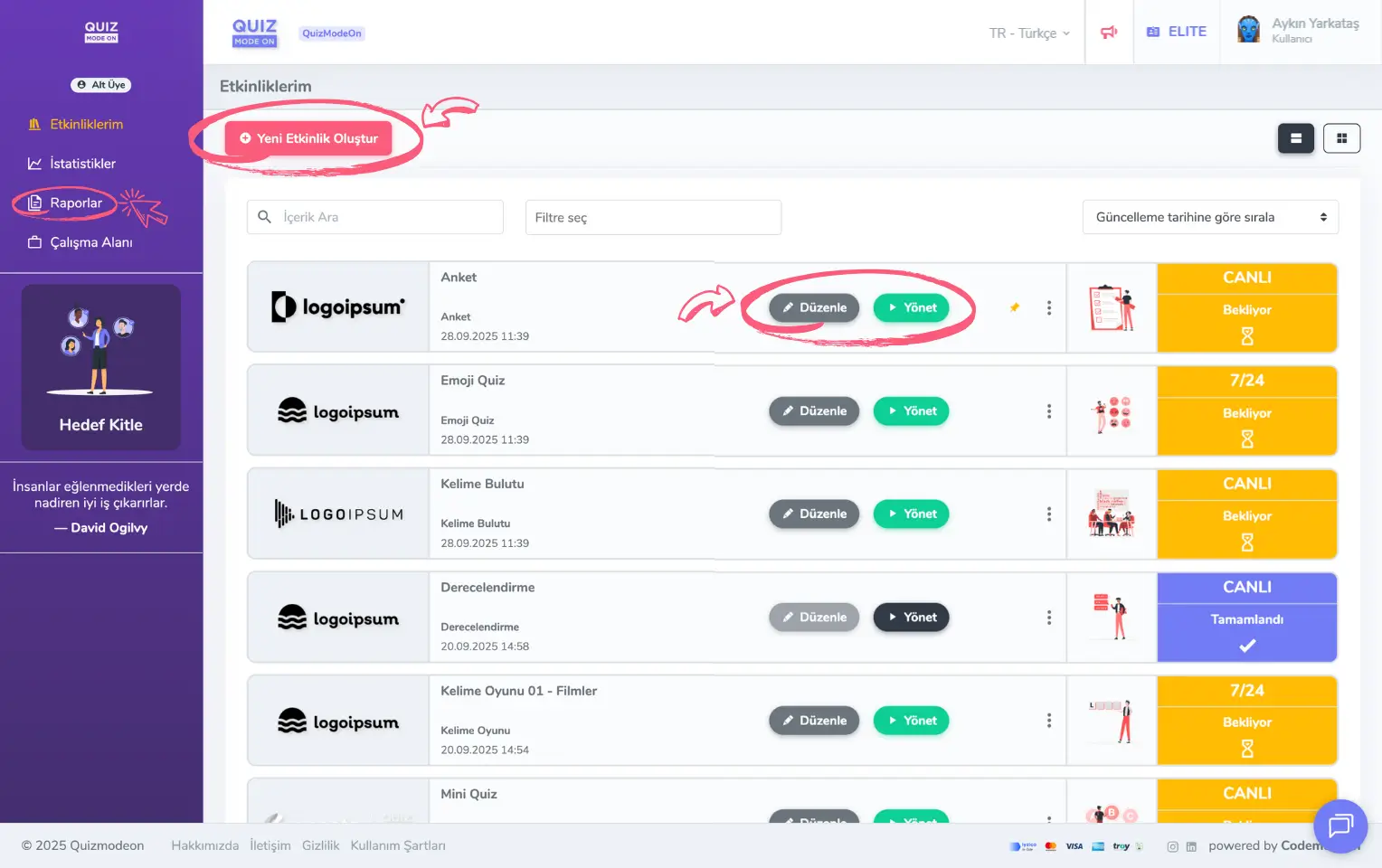
admin member - portal - home page - events
Note: Users with the presenter and moderator roles can also manage events and games.