Review your reports
Review and evaluate the results
The admin (member) can access all the data and reports generated after an event.
Event reports
Event reports record the participant data of each event. In event reports you can find the participant list, charts of the answers and Excel files containing all the event details.
You can open event reports in 2 different ways.
1- From the Event and Content Management page, you can view the reports and charts.
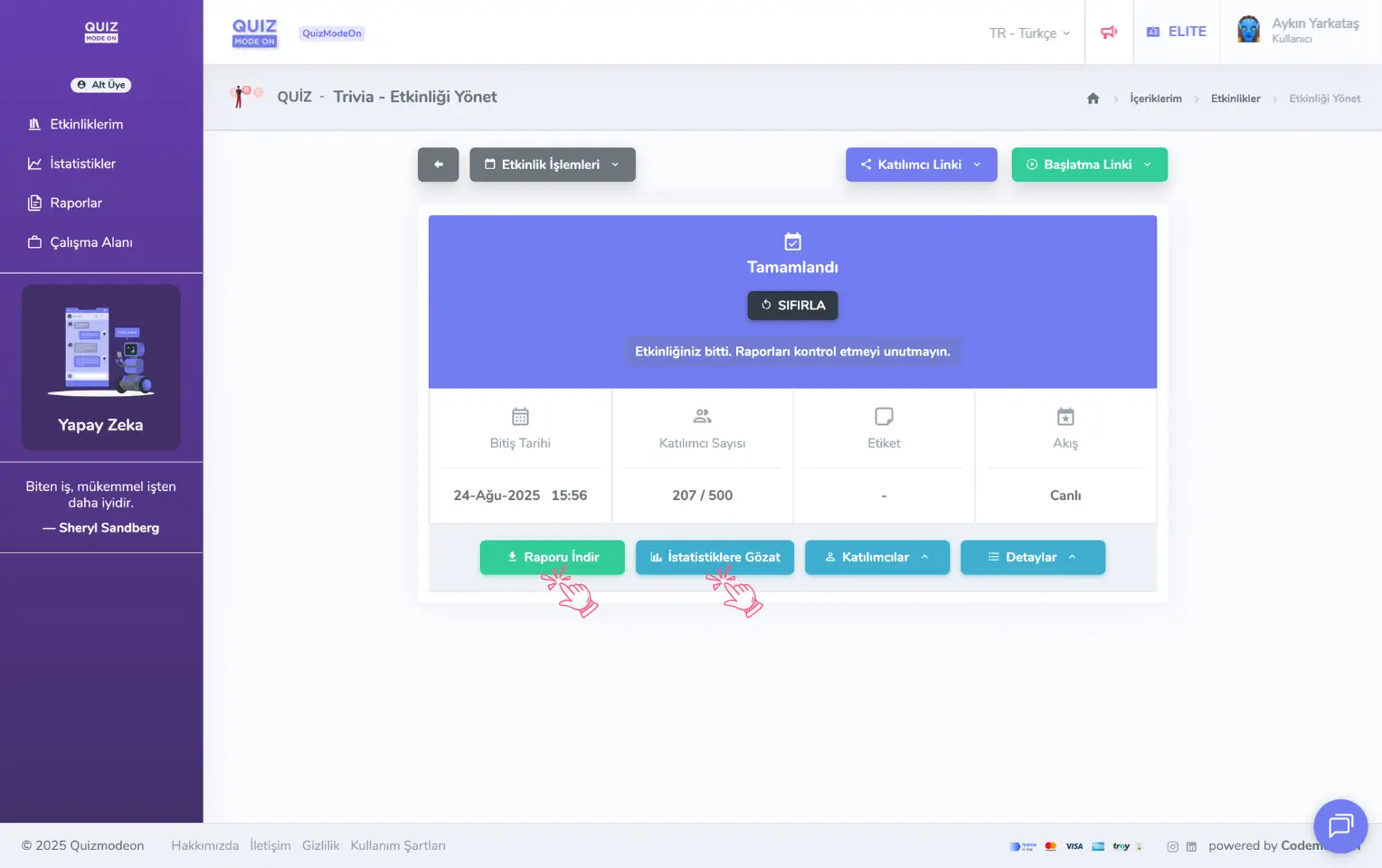
admin member - events - event management - reports and statistics
2- If the event has ended, you can easily reach all reports from the Reports link in the left panel.
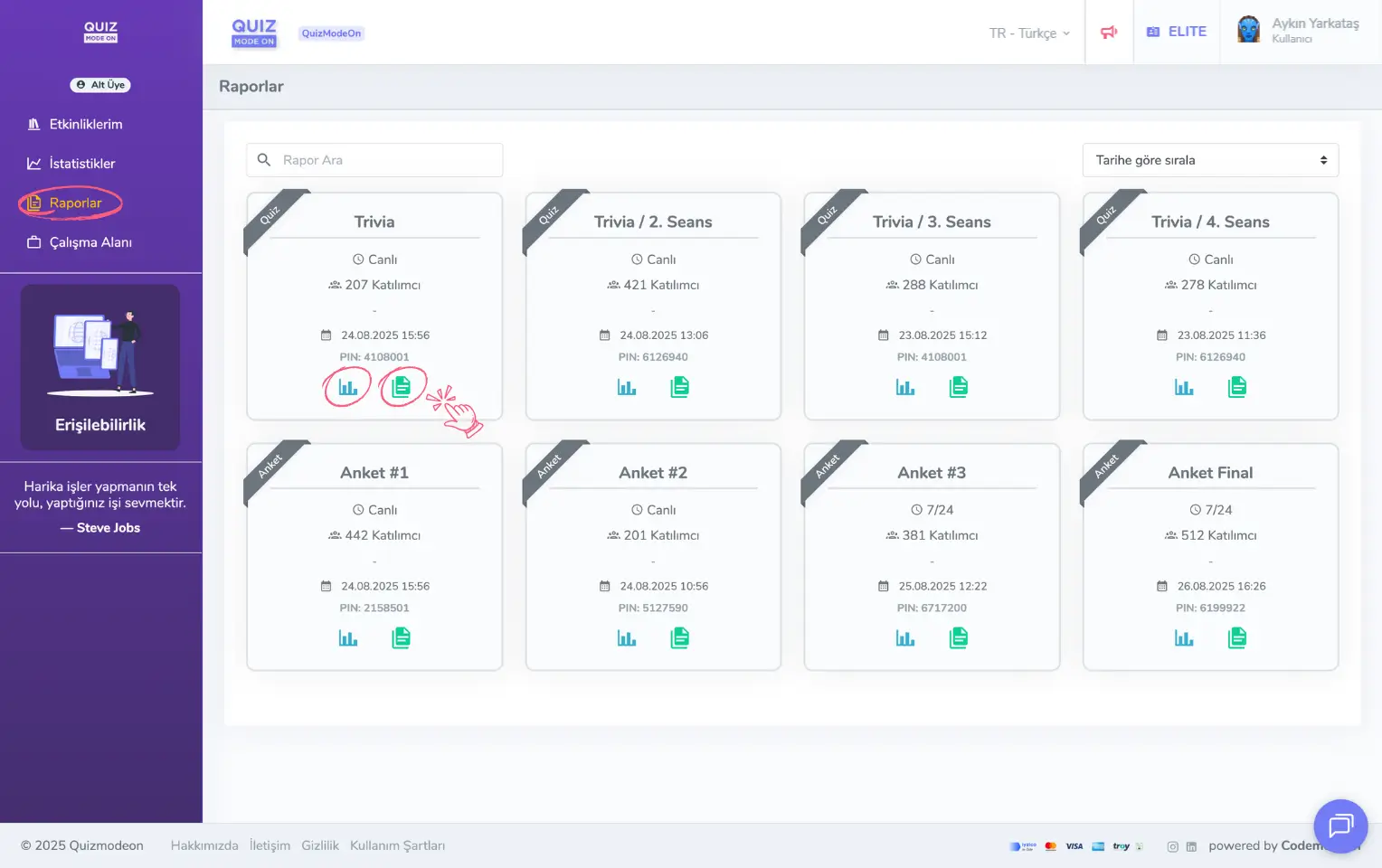
admin member - left menu - reports
Portal usage statistics
This is a statistics page where you see the analytic data of all the events you have run as a member. You can open this page from the Statistics link in the left panel. Here you can find all your data, such as the event types you have run and their distribution, the content types used, the total number of events, the total event time, the total number of participants and the audio and visual question formats you used.
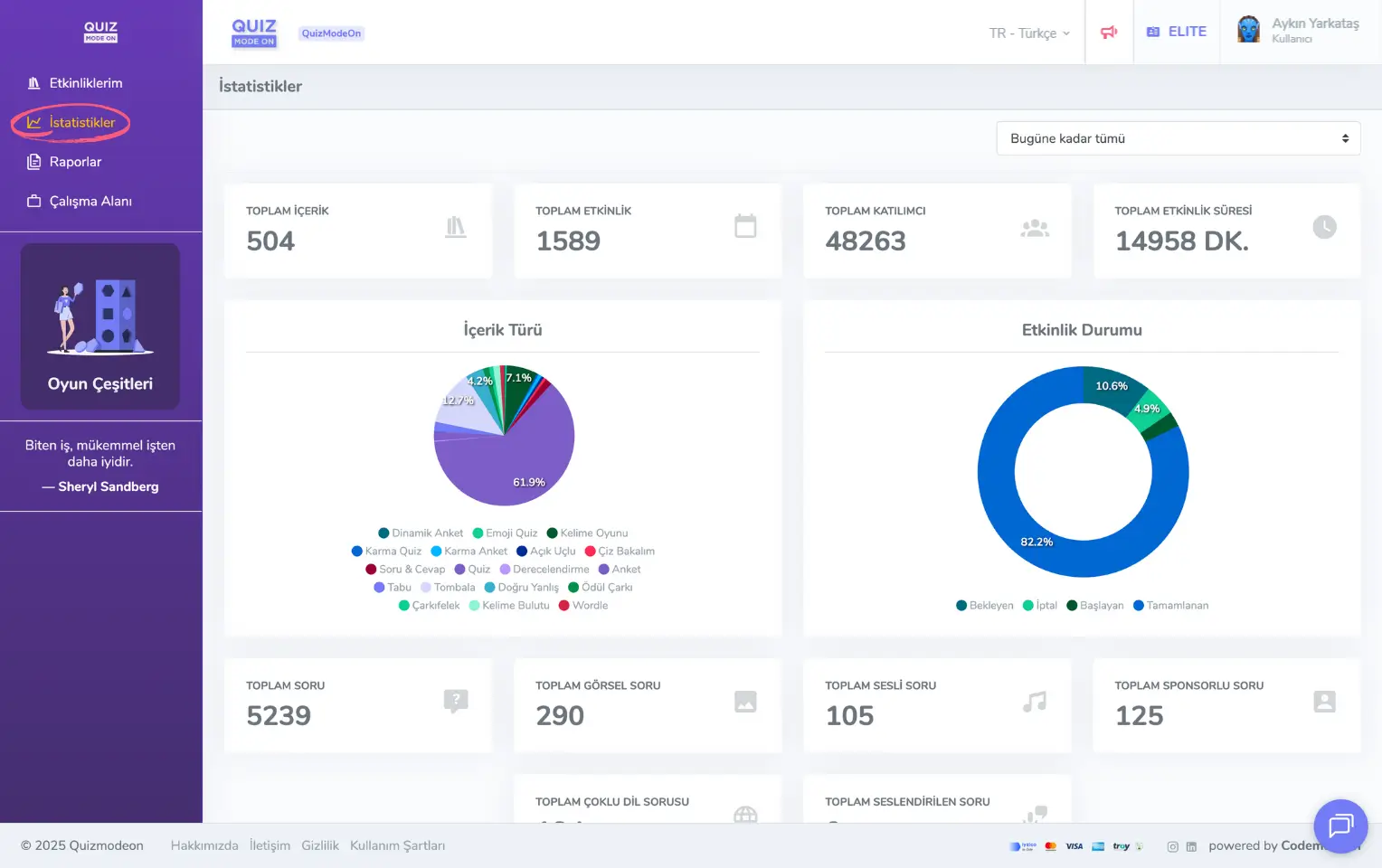
admin member - left menu - statistics