Dynamic Poll - Flow screens
Questions
On this screen, where you see the current question along with its answer options, you can only come across questions with Multiple-Choice answers. Instead of standard questions, you can see richer ones: profile questions, image-supported questions and audio questions.
Dynamic Results
In Dynamic Polls, the next question changes depending on the answer given to a question. This way, many possibilities and different outcomes are possible depending on the answers.
In Dynamic Polls, the logic for choosing the next question also varies by the event’s flow type.
- In the live flow, all participants answer together, so the next question is determined by the answer given by the majority of participants.
- In the 24/7 flow, each participant answers independently of the other participants, so the next question is determined only by their own answer.
Note: In the live flow, if your answer to a question differs from the majority’s answer, your answer does not affect the next question, because the majority’s answer determines the next question.
Question and Answer Flow Examples
The sample images below show different possibilities in a Dynamic Poll event.
Example #1: The answers given, in order: Winter -> Ski Holiday -> Palandöken
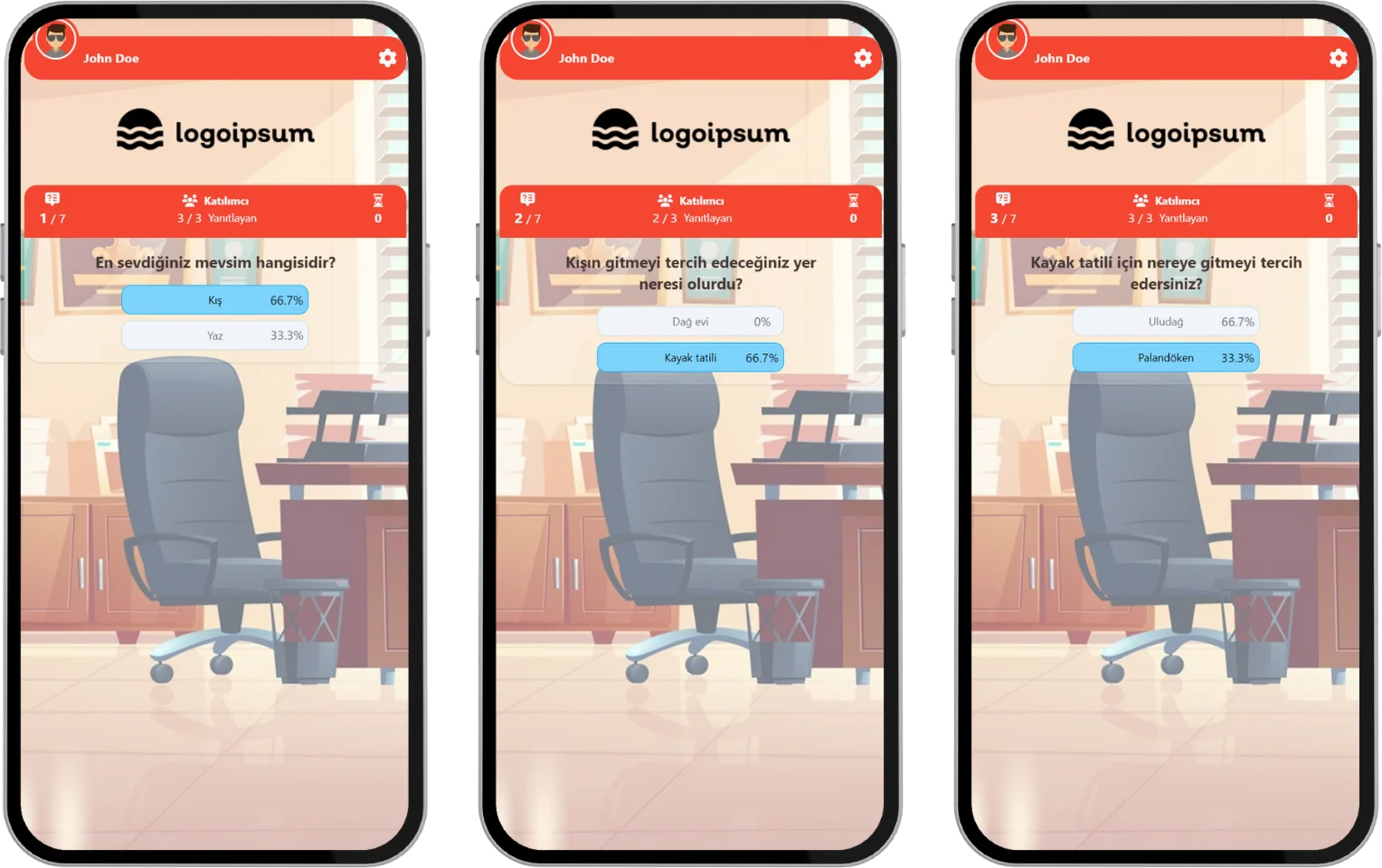
participant - event flow (dynamic poll) - possible answering example and different results
Example #2: The answers given, in order: Summer -> Hotel -> Belek
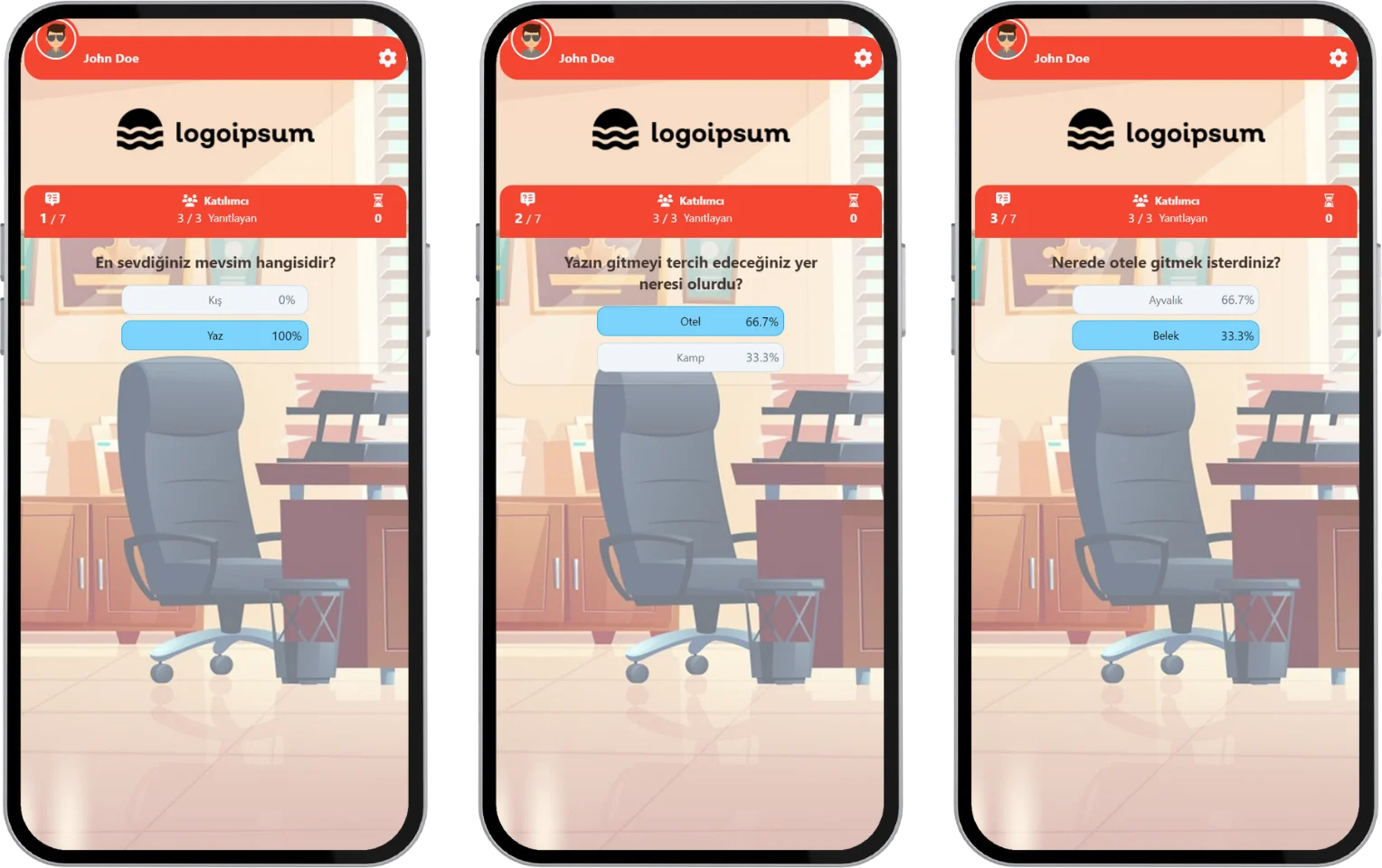
participant - event flow (dynamic poll) - possible answering example and different results
When the answering time ends, the rates of the answers given appear on the screen. After a short time, the next question comes. After all the questions are done, the event ends and you see a thank-you message.
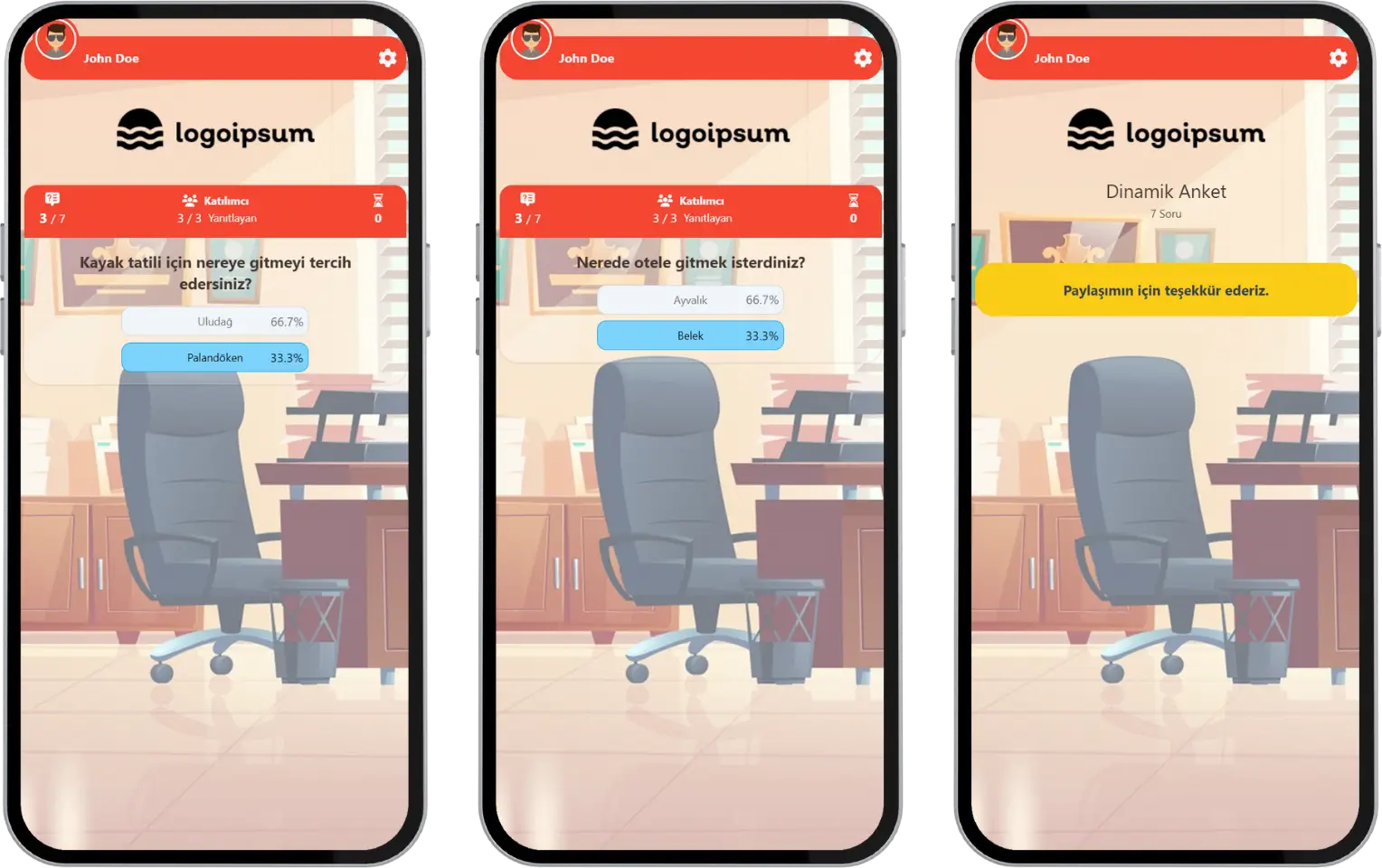
participant - event flow (dynamic poll) - result screen - thank you
Note #1: Dynamic Polls can be run by the moderator with either a live or a 24/7 event flow. In the live event flow, after each question, the distribution of the answers given by all participants is shown on the screen, and after a short time the next question comes. In the 24/7 event flow, the instant result screen is not shown after each question, and the next question comes right away.
Note #2: If the event is set to a 24/7 flow, an answering time may not be defined. In that case, since there is no answering time per question, you cannot move to the next question without answering the current one.
Possible Scenarios
For the example above, the tables below show the possible paths as a decision tree: the answer you choose decides which question comes next.
| Scenario #1: Winter | ||||
|---|---|---|---|---|
| Step | Question | Answer options | Your answer | What comes next |
| 1 | What is your favorite season? | Winter / Summer | Winter | Question 2 |
| 2 | Where would you prefer to go in winter? | Ski holiday / Mountain house | Ski holiday | Question 3 |
| 3 | Where would you like to go for your ski holiday? | Palandöken / Uludağ | Palandöken | Thank-you screen: "Thank you for sharing!" |
| Scenario #2: Summer | ||||
| Step | Question | Answer options | Your answer | What comes next |
| 1 | What is your favorite season? | Winter / Summer | Summer | Question 2 |
| 2 | Where would you prefer to go in summer? | Hotel / Camping | Hotel | Question 3 |
| 3 | Where would you like your hotel to be? | Belek / Ayvalık | Belek | Thank-you screen: "Thank you for sharing!" |
Note: These tables show only the two paths from the examples above. The next step for every other answer is set by the person who creates the event when linking the questions.