PIN screen
When you open the link as a participant, you may see the PIN code entry screen. After you enter the PIN code, you move on to the registration screen.
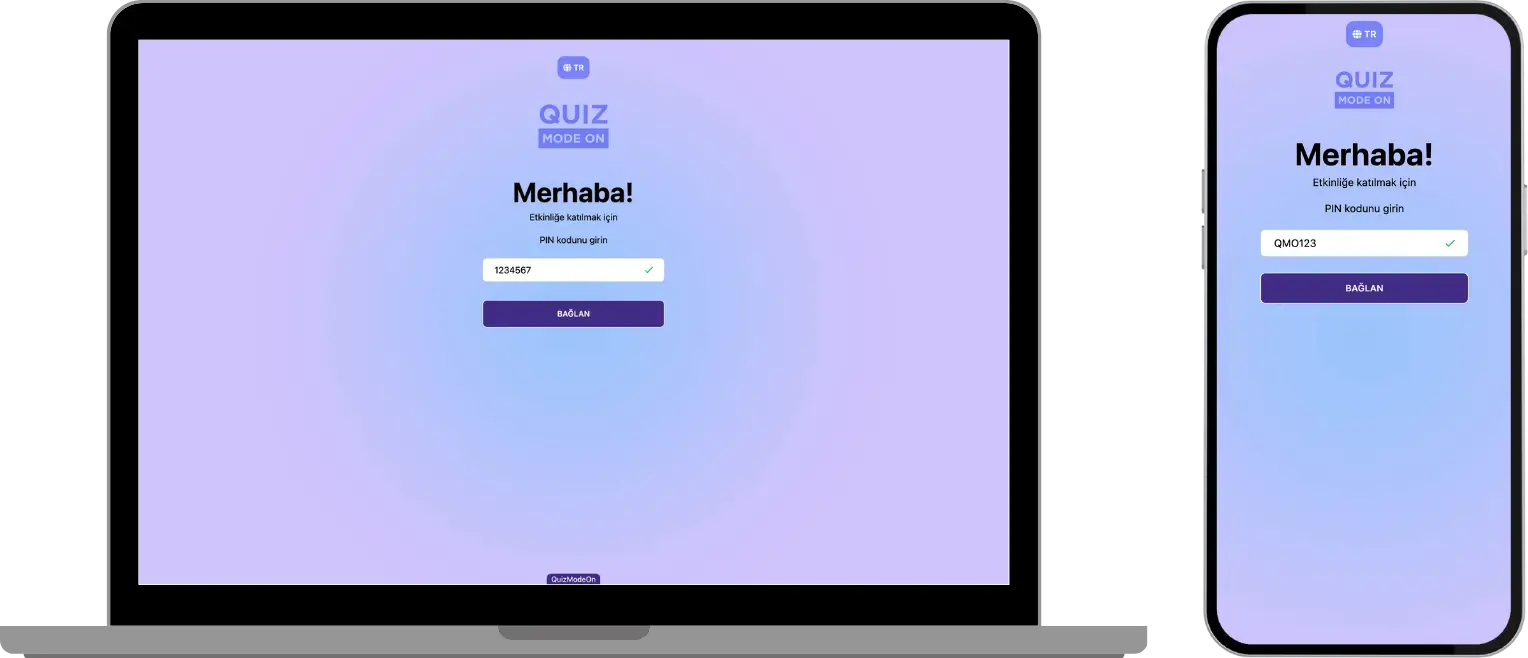
participant - login screen - entering the PIN code
Important note: If the link or QR code shared for participant login uses the login without a PIN format, the participant sees the next screen, the registration screen, instead of the PIN screen.
Where can I find the PIN code and the event login link?
You can get all the information you need to log in as a participant (PIN, link or QR code) from the authorized person who organizes the event. This person is usually a user with the admin, presenter or moderator role.