Lucky Pick - Flow screens
Lucky Pick is a live event that the moderator runs from the presenter page. Prizes are given out round by round and the winners are drawn on the big screen in front of everyone. Participants do not need to do anything during the draw; they watch the flow on the screen in the room, on a screen shared in a video conference, or on their own phones.
Start Screen
When the moderator opens the presenter link, the screen shows the name of the draw and the gift box. The draw begins when the Start the Event button is pressed.
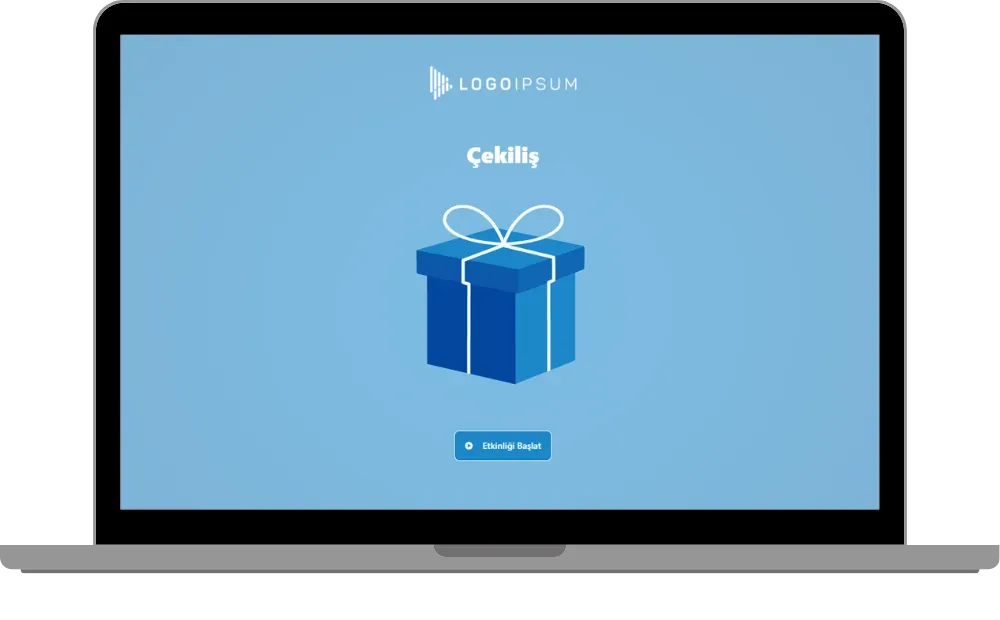
presenter - event flow (lucky pick) - start screen
Making a Pick
Every time the moderator presses the New Pick button, one lucky participant is drawn at random and their name appears in large letters at the top of the screen. The prize card below it shows:
- The round number and the prize name (for example #1 Arçelik Turkish Coffee Machine)
- The picture of the prize
- Progress: how many people have been drawn for that prize out of the total (for example 1/3)
- The Lucky Participants button
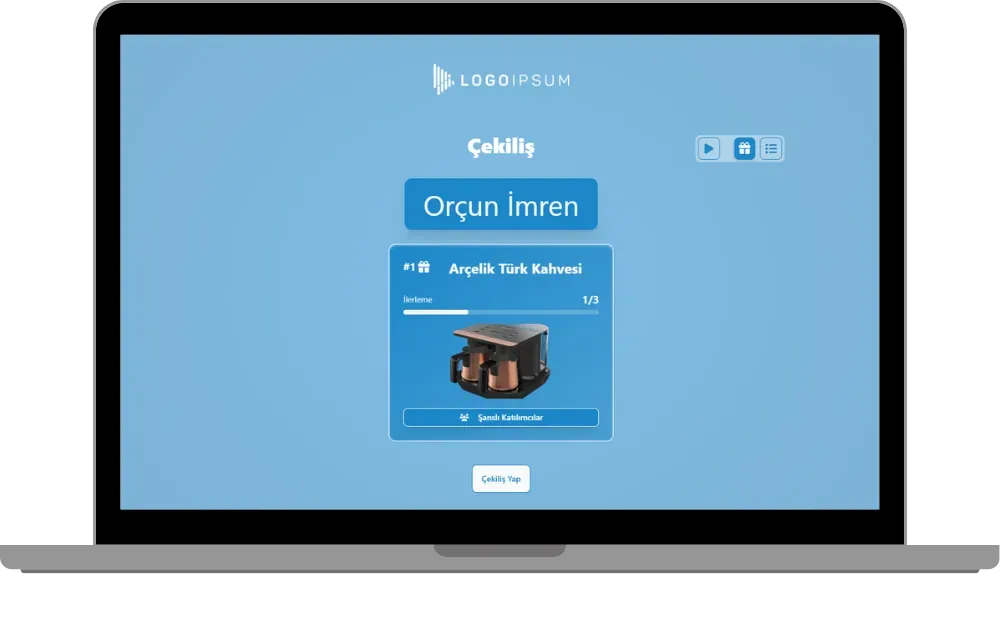
presenter - event flow (lucky pick) - making a pick - winner of a prize
When all the winners of a prize have been drawn, the progress is complete (for example 3/3) and the draw continues with the next prize. Prizes are drawn in round order, that is, in the order of the list on the content screen.
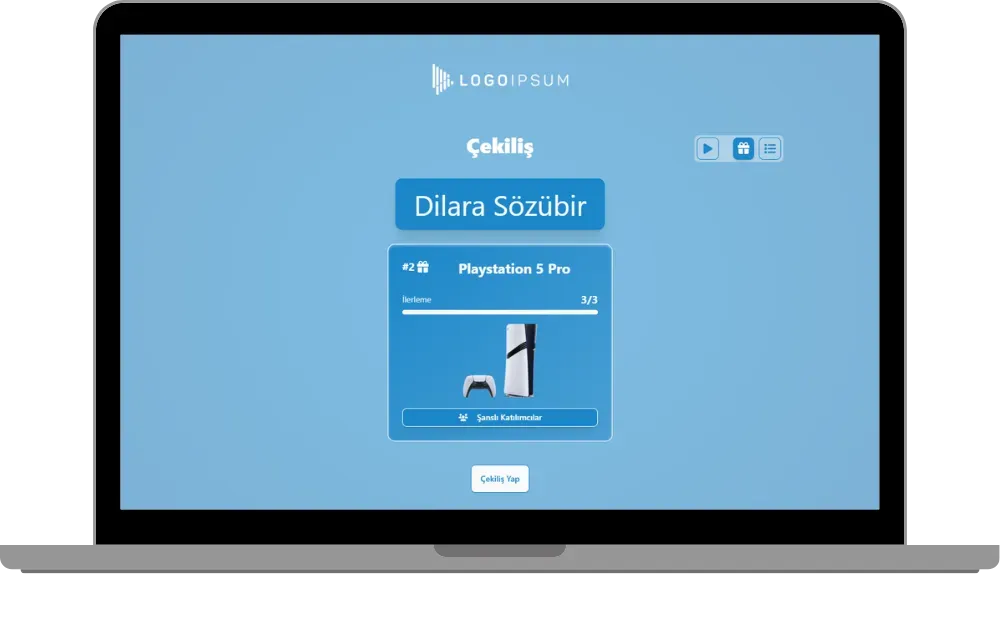
presenter - event flow (lucky pick) - next prize
Prize Catalog
You can switch views with the buttons at the top right. The gift icon opens the draw view with a single prize, and the list icon opens the prize catalog. The catalog shows all prizes side by side with their pictures, progress and Lucky Participants buttons; a check mark appears on the prizes whose draw is complete.
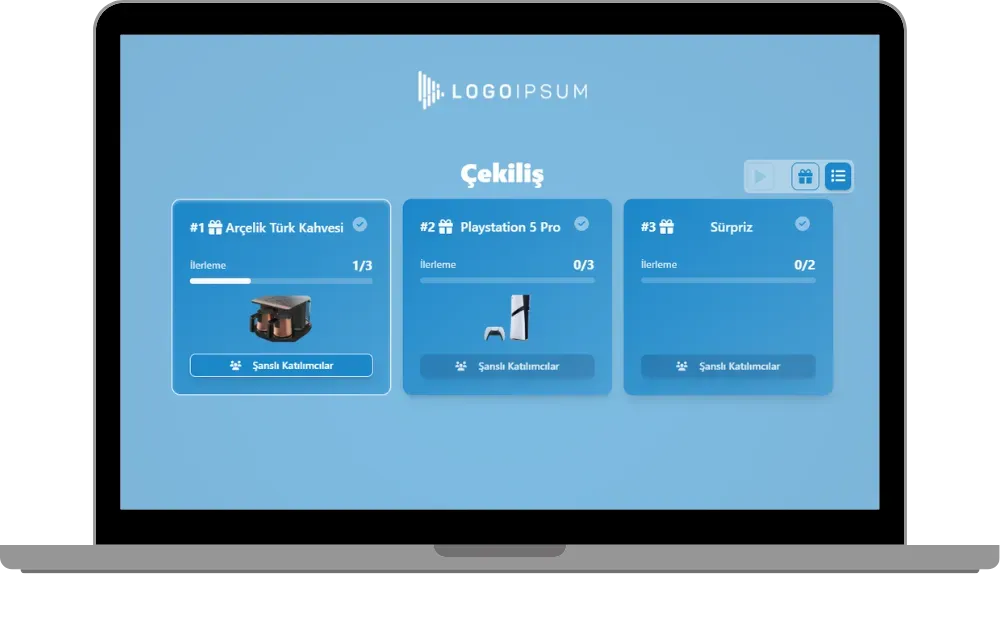
presenter - event flow (lucky pick) - prize catalog
Winners List
When the Lucky Participants button of a prize is clicked, a window opens listing that prize’s winners in the order they were drawn. The number of people drawn is shown at the bottom of the window (for example 3/3). You can check the winners at any time, during the draw and after it ends.
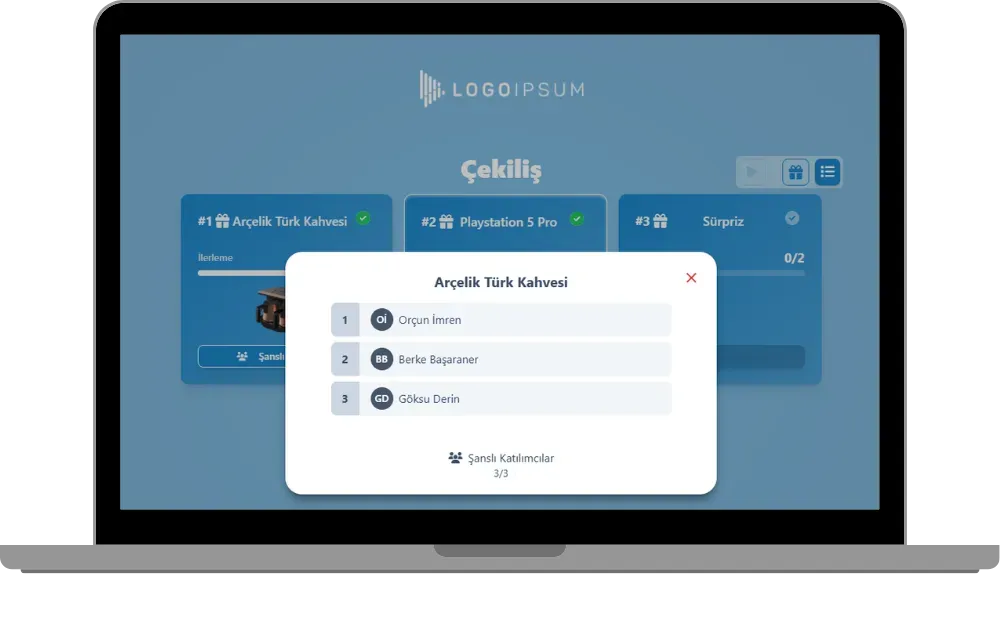
presenter - event flow (lucky pick) - winners list
Automatic Draw
The Play icon at the top right (Start Auto Pick) starts the automatic draw. In the automatic draw the moderator does not have to press the button for each winner; the lucky participants are drawn one after another on their own. The admin sets how long a round takes with Round time (seconds) on the Gameplay tab of the event settings. The automatic draw can be paused at any time with the same icon and saves time in draws with many prizes.
Participant Screen
If participants cannot see the broadcast in the room or the video conference, they can log in from their own phones with the participant link or QR code and follow the flow live. Their phone shows the card of the prize being drawn, its progress and the Lucky Participants button. Participants only watch the draw; they cannot start or run it.
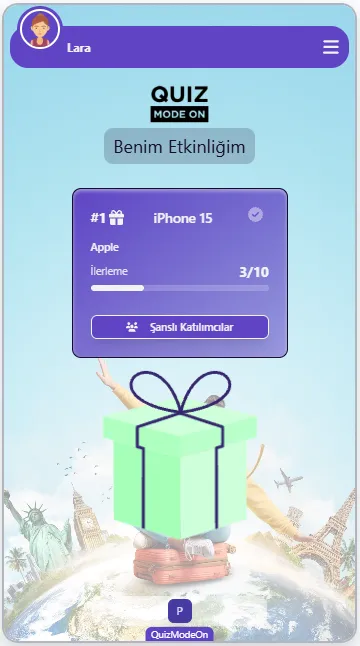
participant - event flow (lucky pick) - phone screen
Note #1: The moderator’s presenter link and the participant link are different. Only the moderator knows the presenter link, because it lets them run the flow. This separation is the same in every game and event type that can be played live.
Note #2: A person can win only once in the same draw. The draw ends when all rounds are complete or when nobody is left to draw, and the screen shows the message “The event has finished!”.
Note #3: If registration is open, new users cannot log in or register once the moderator has started the first draw. Participants need to register before the first draw.
Note #4: A winner who has been drawn cannot be redrawn or cancelled. In case a winner is not in the room, the admin can create a separate reserve winners round on the content screen. For details, see the How to create Lucky Pick content page.