Poll - Flow screens
Questions
On this screen, where you see the current question along with its answer options, you may come across several kinds of questions. Instead of standard questions, you can see richer ones: profile questions, image-supported questions and audio questions.
- Profile questions: A colorful question style where the question appears with the profile photo and name of the person asking it.
- Image answer questions: A question type with images both above the question text and in the answer options.
- Audio questions: A question type that adds an audio treat with music or a sound that plays during the question.
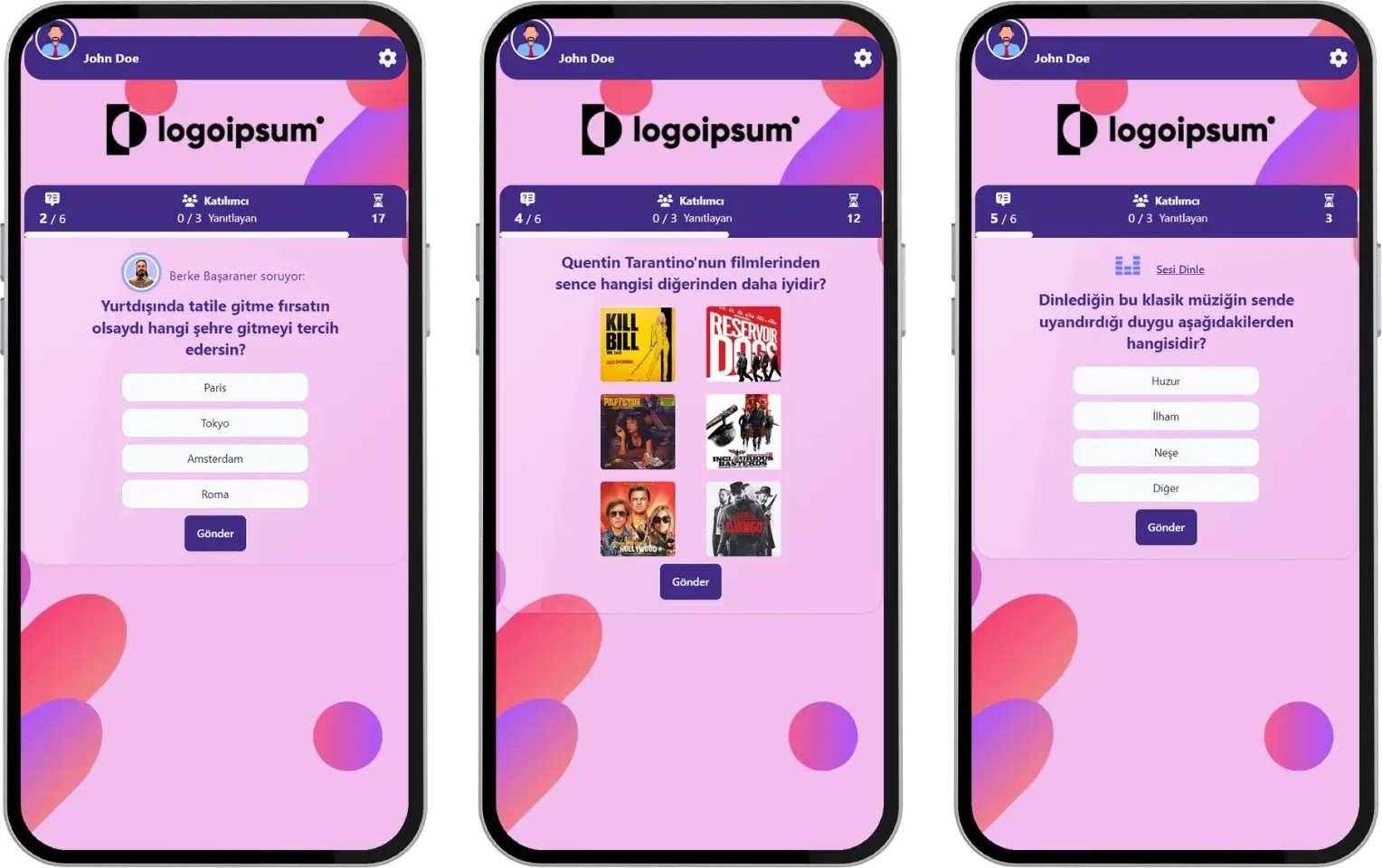
participant - event flow (poll) - question and answer formats
Poll Results
When the answering time ends, the rates of the answers given appear on the screen. After a short time, the next question comes. After all the questions are done, the event ends and you see a thank-you message.
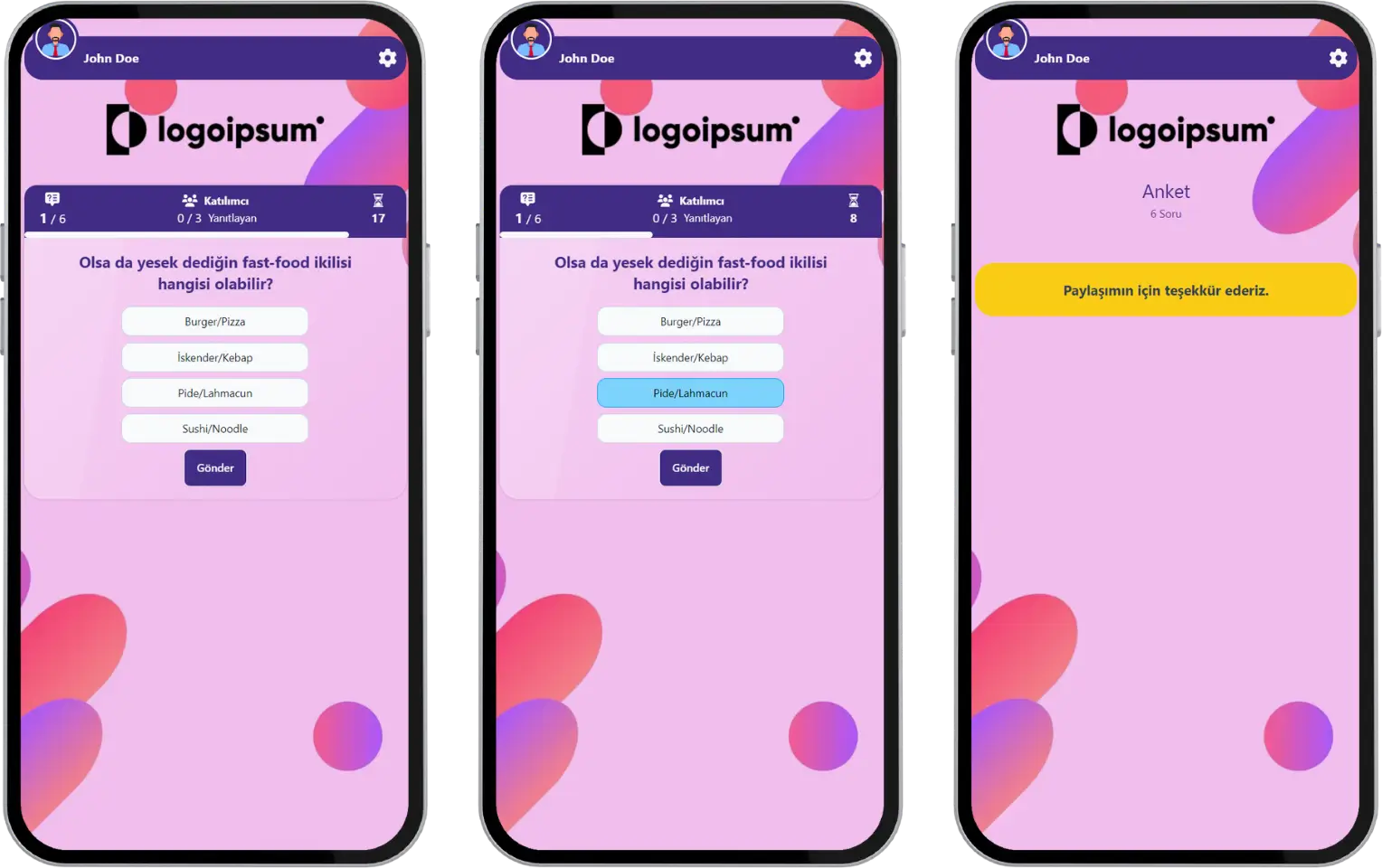
participant - event flow (poll) - instant results
Note #1: Polls can be run by the moderator with either a live or a 24/7 event flow. In the live event flow, after each question, the distribution of the answers given by all participants is shown on the screen, and after a short time the next question comes. In the 24/7 event flow, the instant result screen is not shown after each question, and the next question comes right away.
Note #2: If the event is set to a 24/7 flow, an answering time may not be defined. In that case, since there is no answering time per question, you cannot move to the next question without answering the current one.